Open AI provides some innovated libraries, all available to you to try out. This page describes using the python libraries to generate custom images. Once you have openai installed and know your organization and key, you are ready to get started writing code in python to generate your images. Note that each time the program is run, even with the same image description, you end up with a different picture, so be sure to run your program multiple times!

Assume the following generateImage.py
import openai

openai.organization = 'your-org'
openai.api_key = 'your-key

response = openai.Image.create(
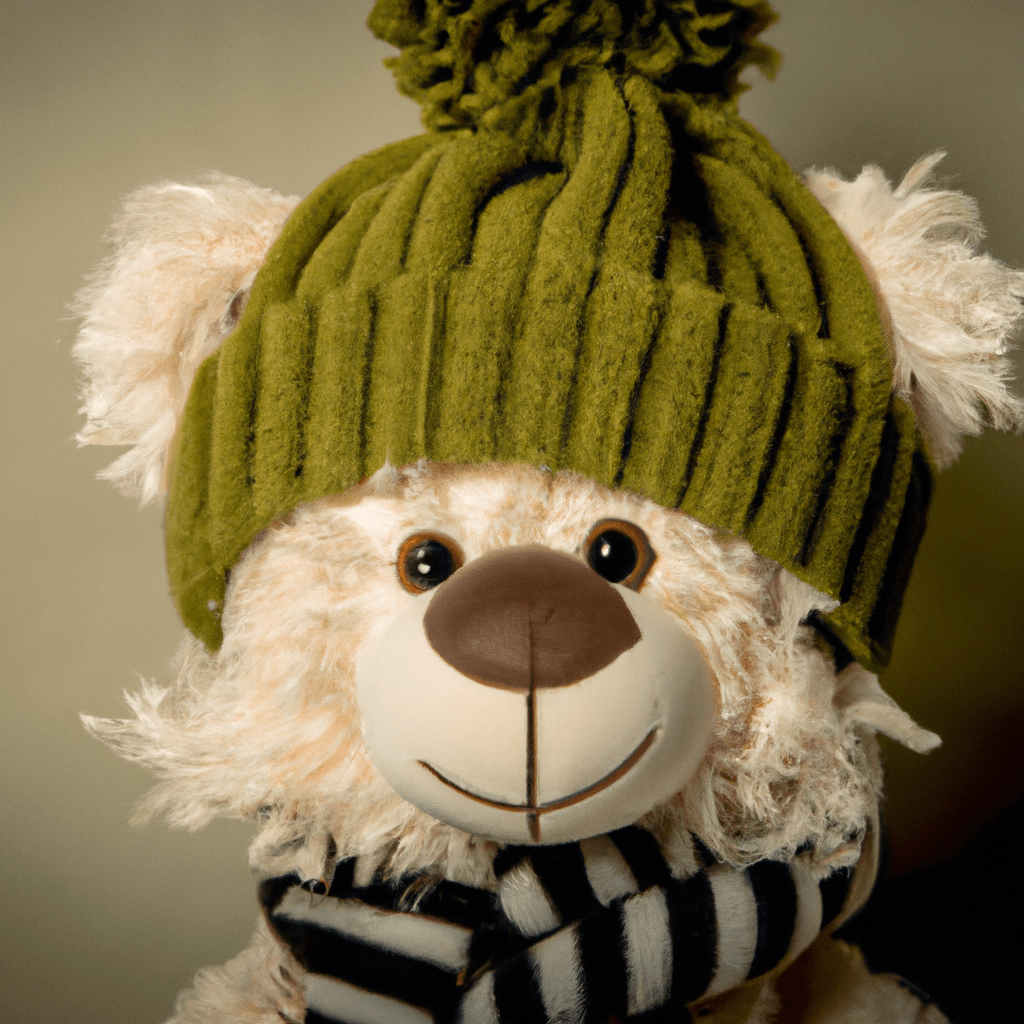
  prompt="A photo of a teddy bear in a green wool hat",
  n=1,
  size="1024x1024"
)

image_url = response['data'][0]['url']

print(image_url)
When you run this, it prints out the url where your images can be found
> python generateImage.py
https://oaidalleapiprodscus.blob.core.windows.net/private/your-org/your-user/img-uniqueId.png?more-info
Resulting in a new friend
 Woolly Hat Systems